Budgets by activity or milestone
Set the project budget and split it by activity or milestone. Variance updates as costs arrive.
- Budget
- Projects
- Activities
OConstruction ties money to the work. Set a budget per project or activity, raise purchase orders, approve invoices and watch receivables and payables. You see planned against actual spend while there is still time to act.
No credit card. Cancel anytime. $24 per user per month after the trial.
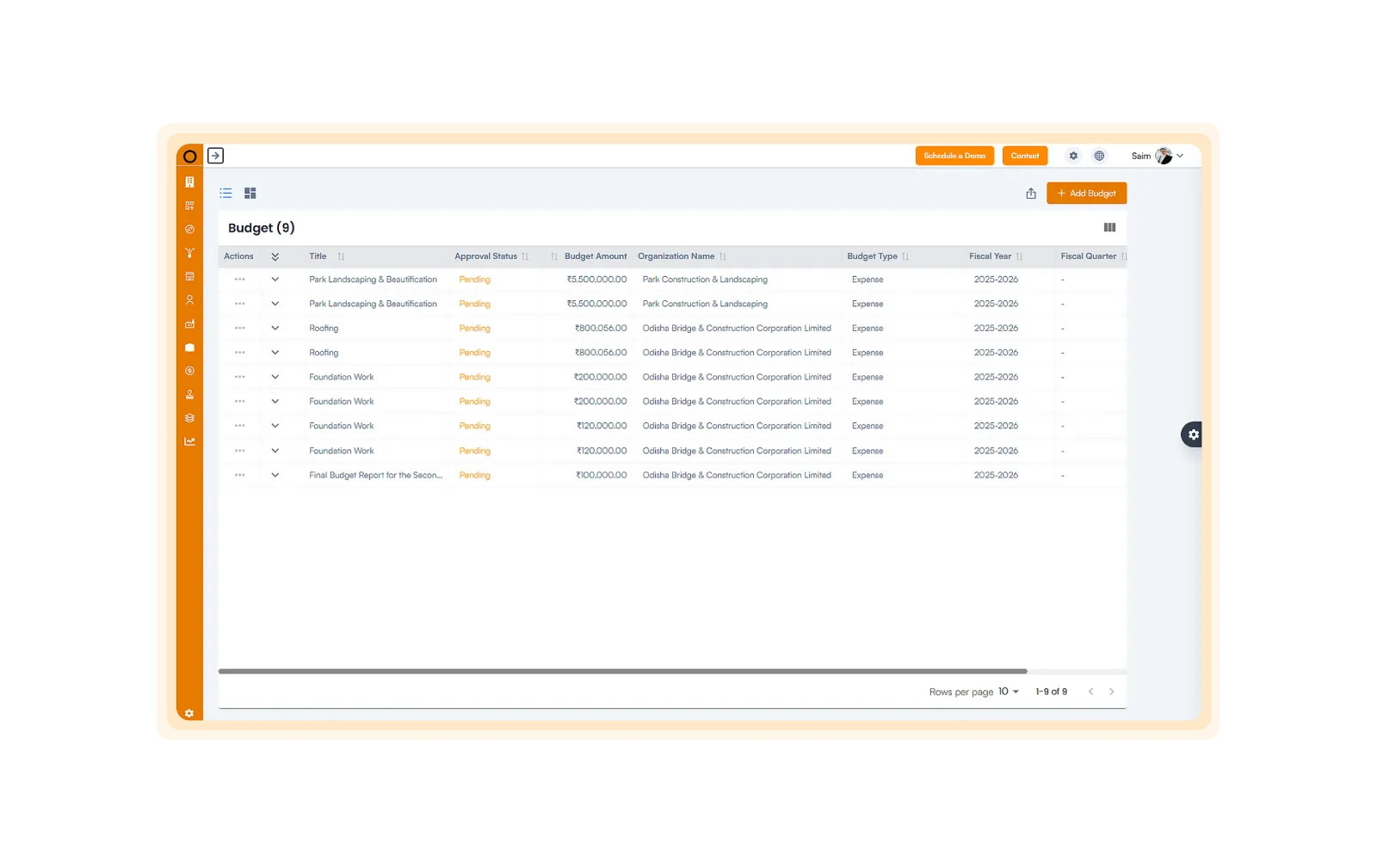
Eight tools follow a dollar from the budget line to the payment, with approvals along the way.
Set the project budget and split it by activity or milestone. Variance updates as costs arrive.
See spend against plan, cost deviations and project-by-project results on one dashboard.
Create invoices, track incoming payments and get due-date alerts on client balances.
Manage vendor payments, due invoices and retention so you pay on time and on contract.
Create POs, link them to vendor contracts and generate invoices when work completes.
Set multi-level approvals for budgets, POs and payments, with digital sign-off and an audit trail.
Track profitability, budget use, outstanding balances and payment delays live.
Estimate future costs and watch money in and out through the life of the project.
These numbers sit on the dashboard from day one.
Total budget value
Approved vs pending budgets
Receivable and payable balances
Budget use percentage
Variance, planned vs actual
Project profitability index
Average payment delay
Finance should not be a separate system. Here is what you get when it shares data with the project.
See finance by project, milestone or task.
Receivables, payables and cash flow stay current.
PO and invoice workflows cut manual matching.
Each transaction is time-stamped and linked to project activity.
Multi-level sign-off keeps spend accountable.
Compare cost with revenue and find your best jobs.
Here is what changes when budgets, orders and invoices live next to the schedule.
Every module shares the same projects, people and data.
Common questions about construction financial management software.