
Keeping your projects organized, efficient, and error-free continues to be our top priority at OConstruction.
Our latest OConstruction Release Notes for 17 November 2025 include powerful enhancements, workflow improvements, UI refinements, and critical bug fixes — all designed to streamline your construction execution both on-site and in the office.
From improved Checklist creation and DPR advancements to major fixes across BOQ, WBS, Calendar, and Task modules, this update ensures smoother navigation, better performance, and more reliable project tracking.
Let’s walk through everything included in the OConstruction November 2025 Release.
Release Update – 17/11: Feature Enhancements & Bug Fixes
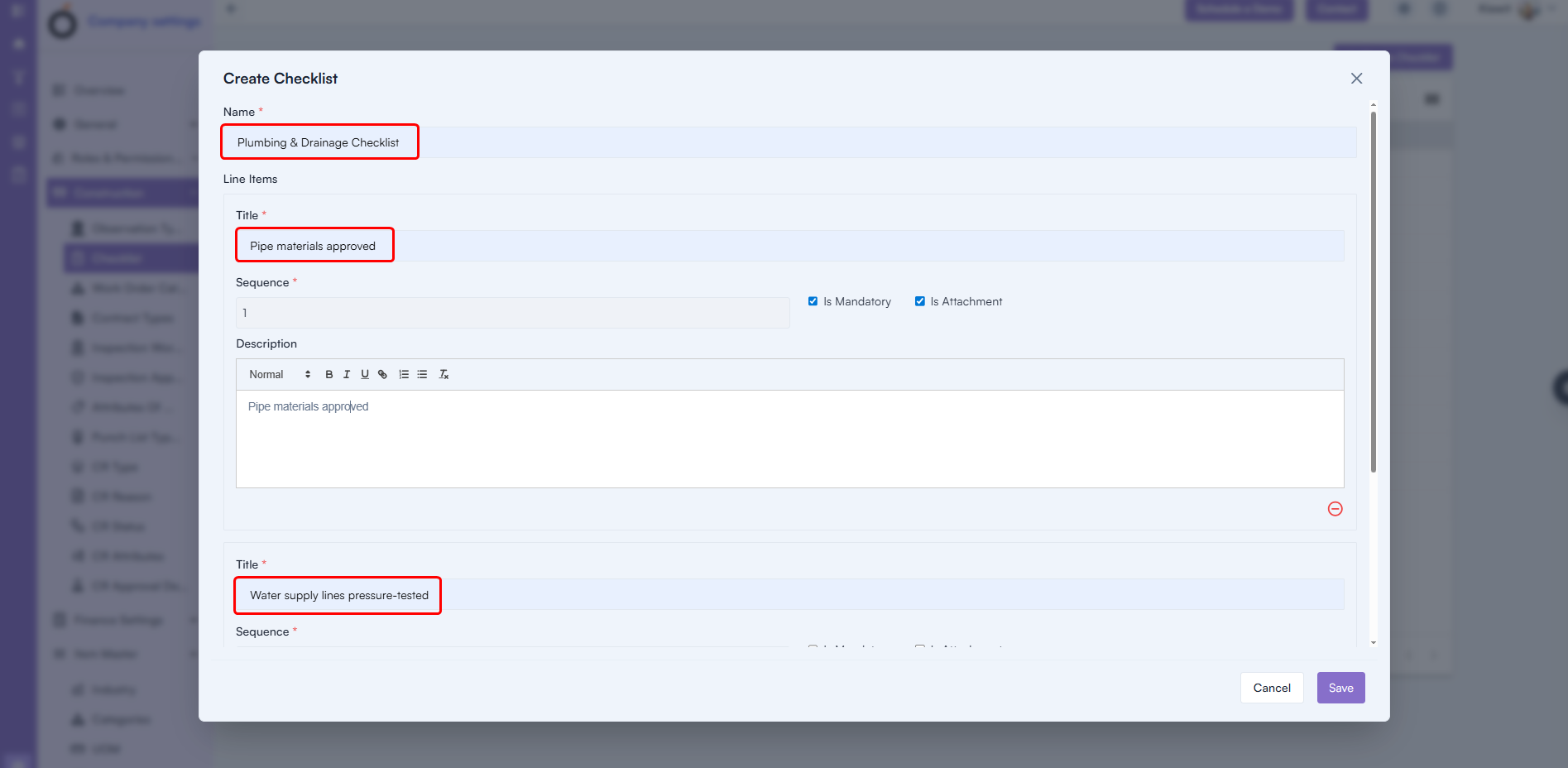
Checklist Creation with Line Items (Enhancement)
You can now create complete checklists with greater detail and flexibility.
What’s New
- Add Checklist Name
- Add Multiple Checklist Items
- Include Sequence Numbers
- Add Descriptions
- Add all line items directly using + Add Line Item
Benefit: Faster checklist creation, richer detail, and a more structured QA/QC workflow.
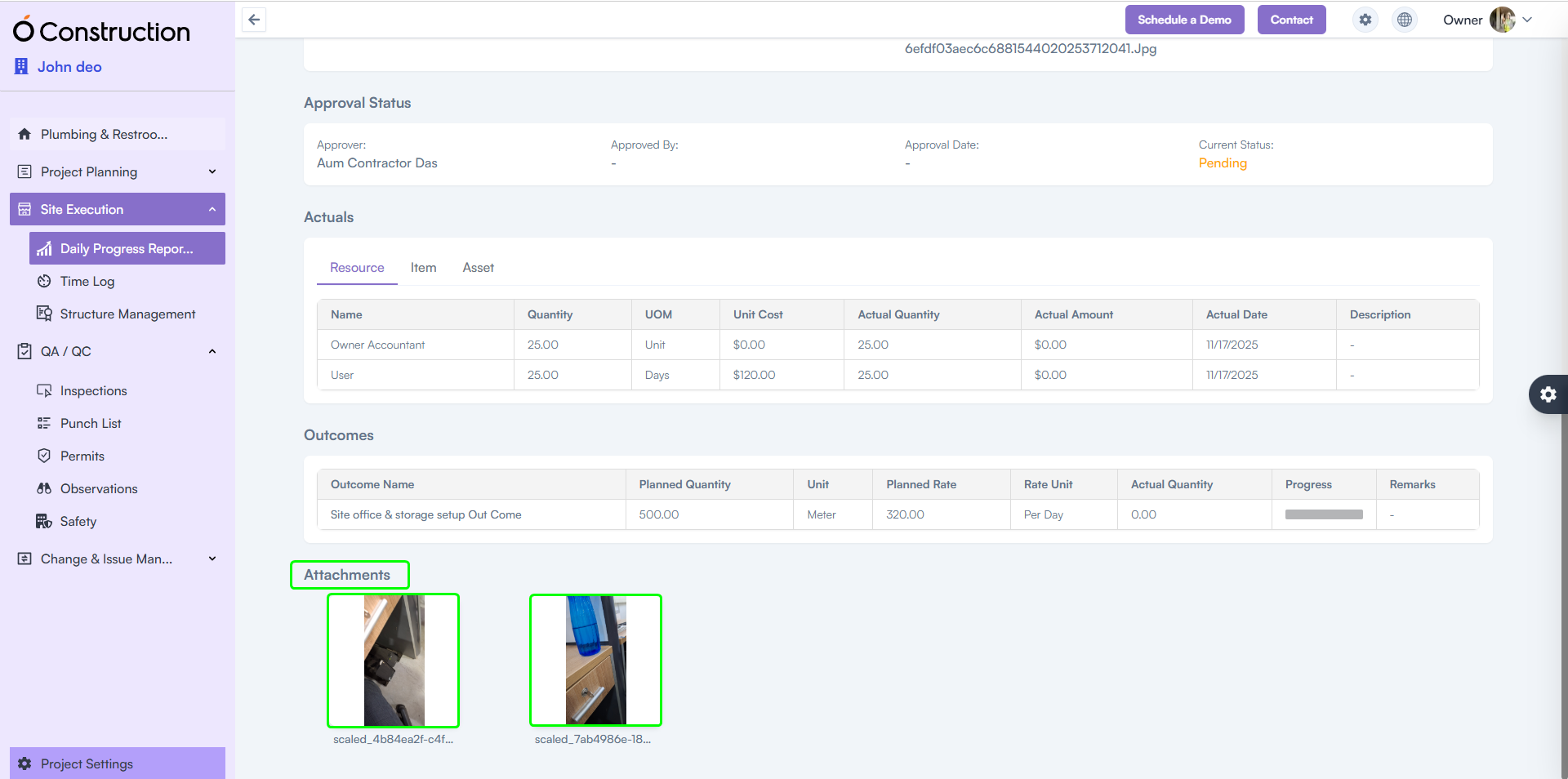
2) DPR Attachments Visible in Frontend (Enhancement)
Attachments uploaded via the mobile app are now perfectly displayed on the web.
Benefit: Smooth, consistent DPR review across devices — ensuring supervisors always see the latest photos, documents, and field evidence.
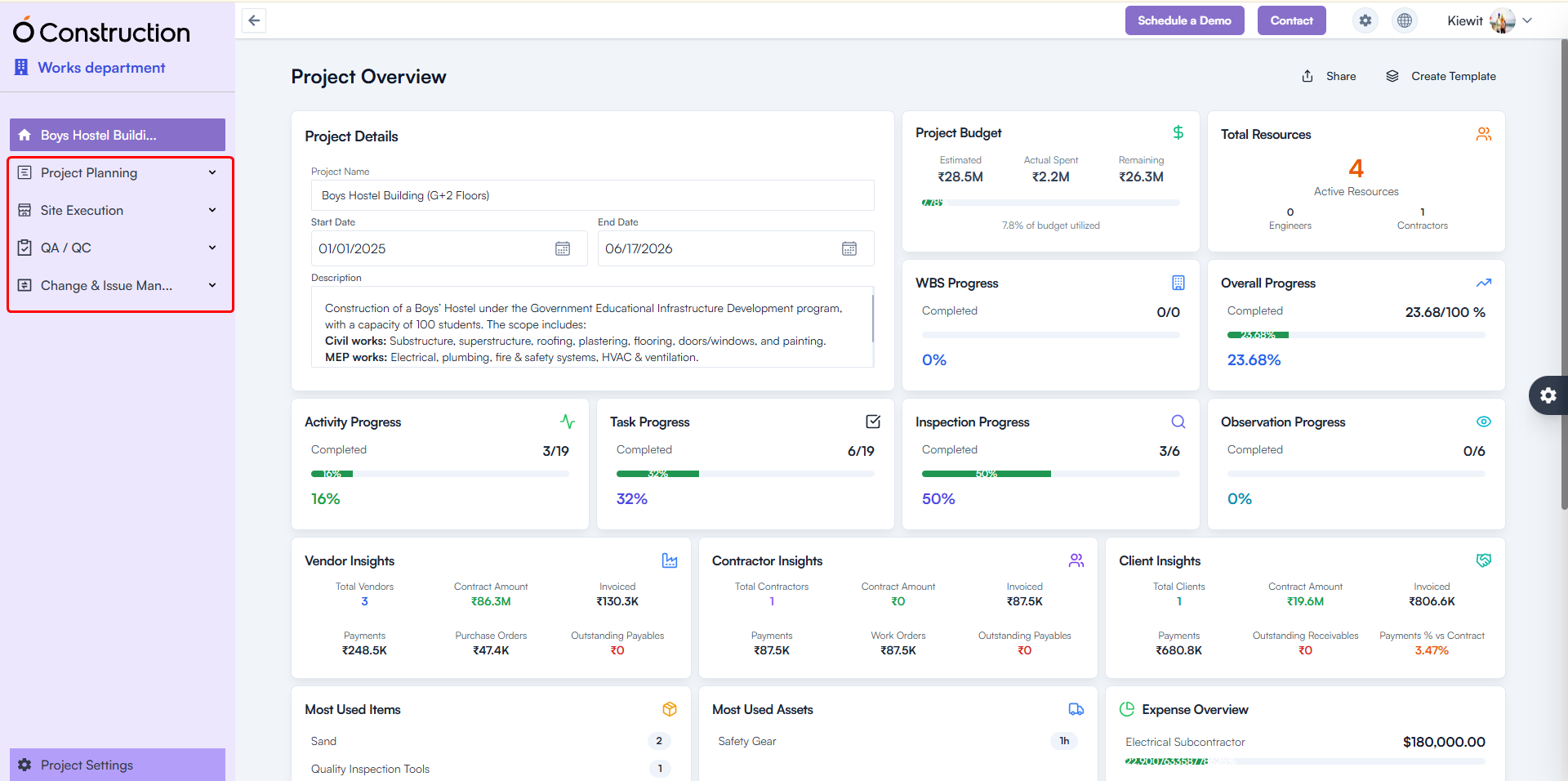
3) Menu Collapse – Improved Grouping for Project Modules (Usability Improvement)
The Project Module menu has been reorganized into clear functional groups for faster navigation.
New Groupings Include:
Project Planning
- Phases
- WBS
- Activities
- Tasks
- Milestones
- BOQ
- Timeline
- Calendar
Site Execution
- Daily Progress Report
- Time Log
- Structure Management
QA/QC
- Inspections
- Punch List
- Permits
- Observations
- Safety
Change & Issue Management
- Change Request
- Service Tickets
Benefit: Cleaner structure, reduced scrolling, and quicker module access.
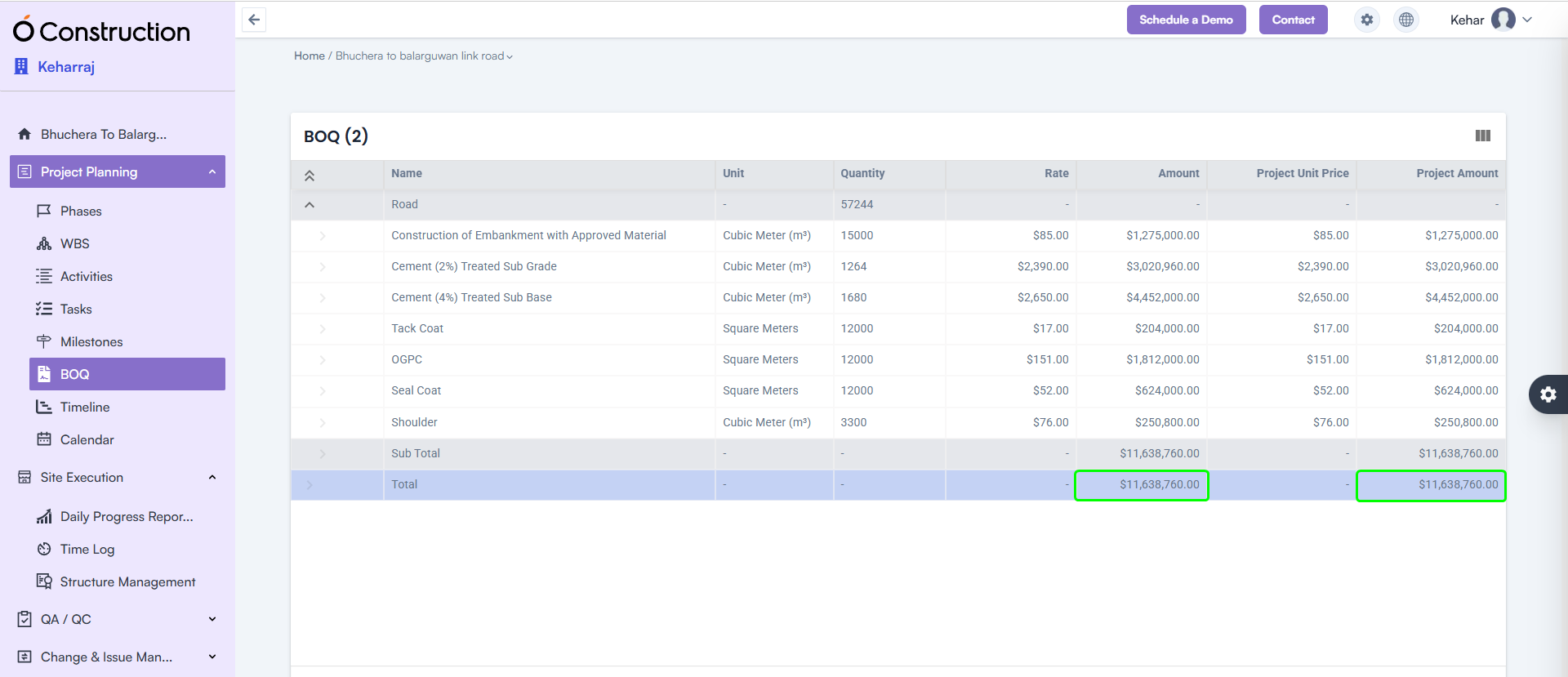
4) BOQ Subtotal & Total Highlight (Enhancement)
The BOQ listing page now clearly displays Subtotal and Total Amount at the bottom of the table.
Benefit: Instantly review cost structure with improved visibility for decision-making.
5) Mobile App – DPR File Upload Slowness Resolved (Bug Fix)
The Mobile DPR module has been optimized for faster uploads.
- File upload speed significantly improved
- Updated version available on Google Play Store
Benefit: Quick, seamless field reporting even on low-network sites.
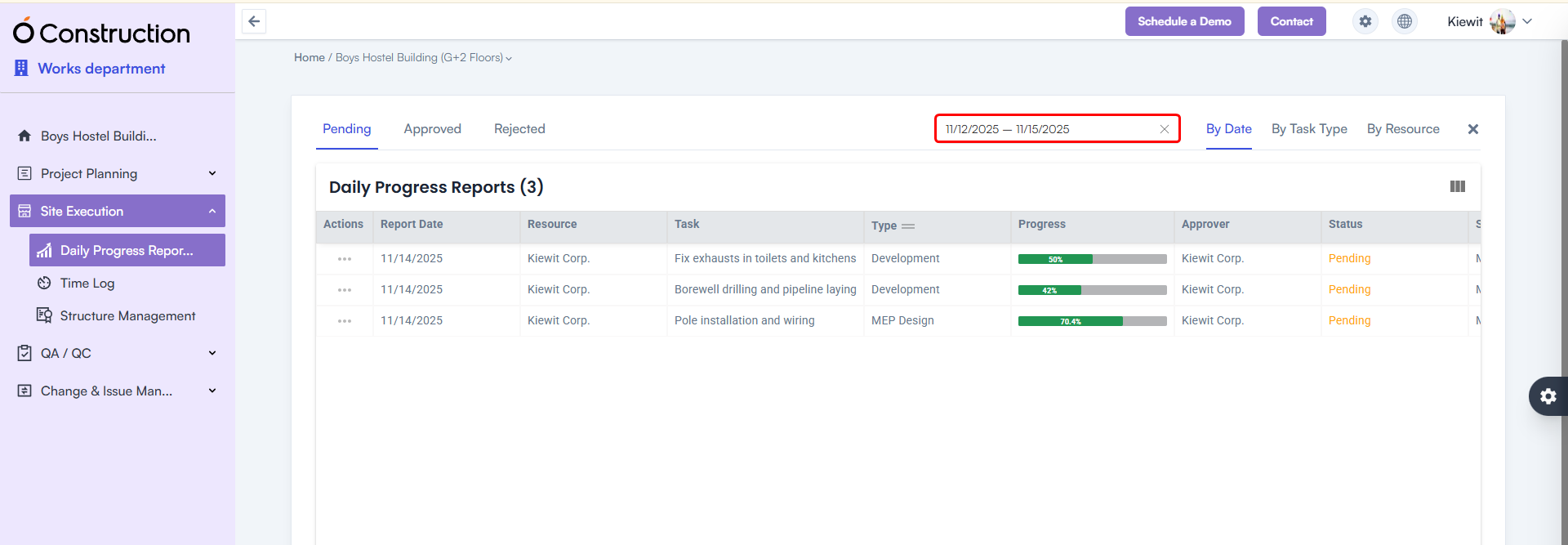
6) DPR Date Range Filter Added (Enhancement)
A Date Range Calendar Filter is now available in the DPR listing page.
Benefit: Easily filter DPRs between any two dates for reviews, audits, or progress analysis.
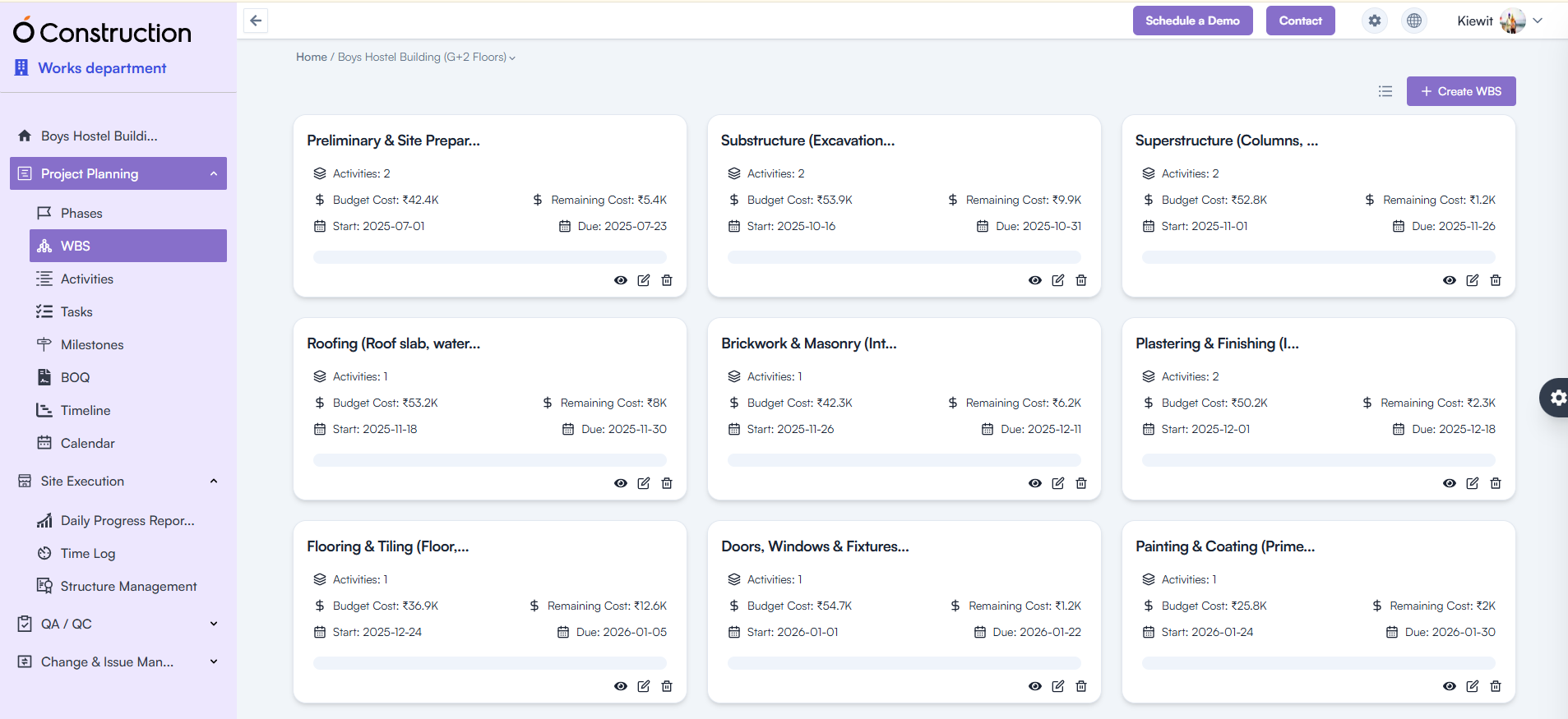
7) WBS / Activity Card Navigation Issue Fixed (Bug Fix)
Previously, clicking Back redirected users to the List View instead of the Card View.
Fix: Navigation now correctly returns to the Card View.
Benefit: A more consistent and intuitive navigation experience.
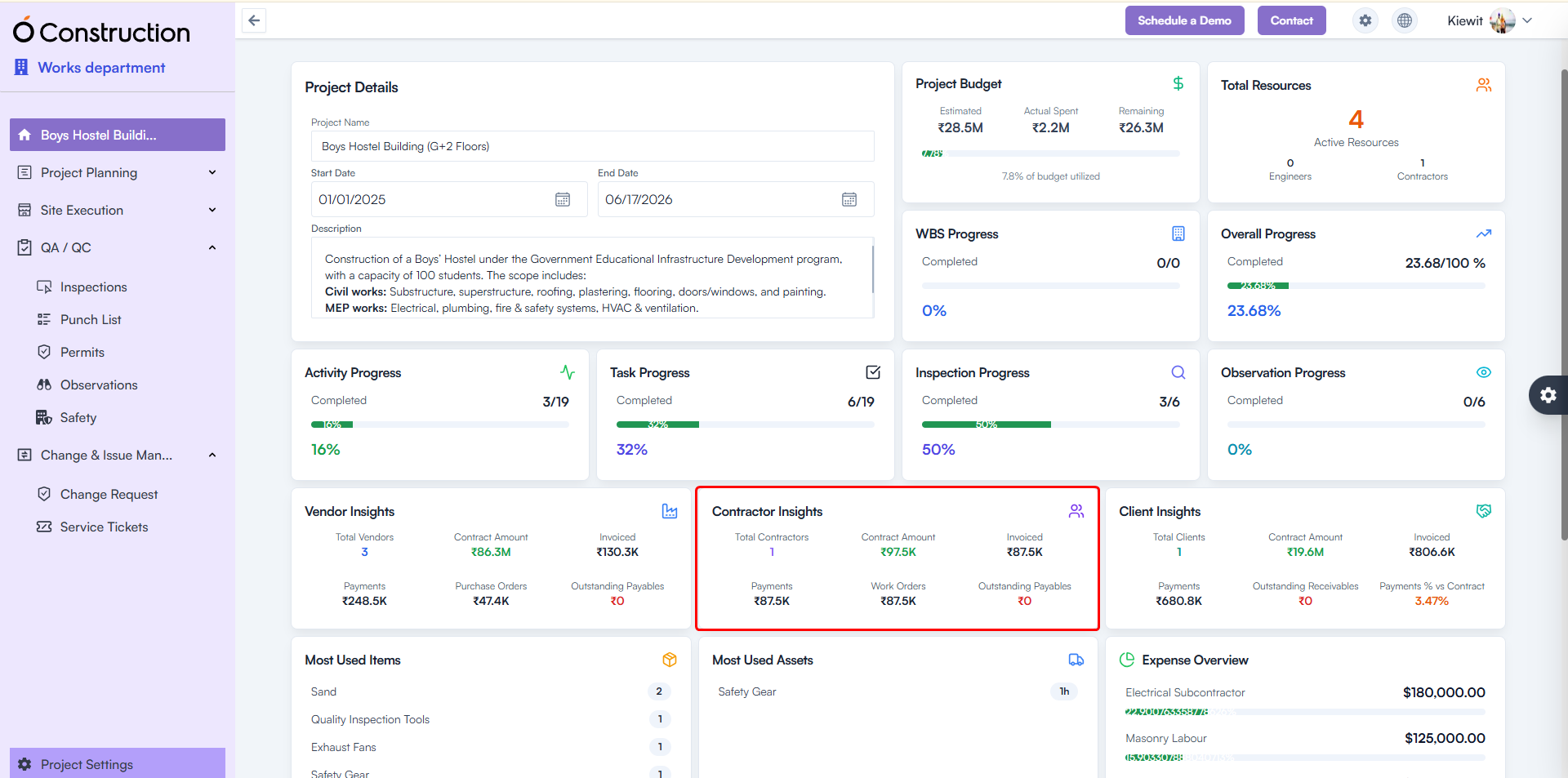
8) Contractor Insights – Incorrect Metrics Fixed (Bug Fix)
Contractor Insights was showing blank or zero results.
Fix: API inconsistencies resolved; correct metrics now display.
Benefit: Accurate contractor performance tracking for better vendor decisions.
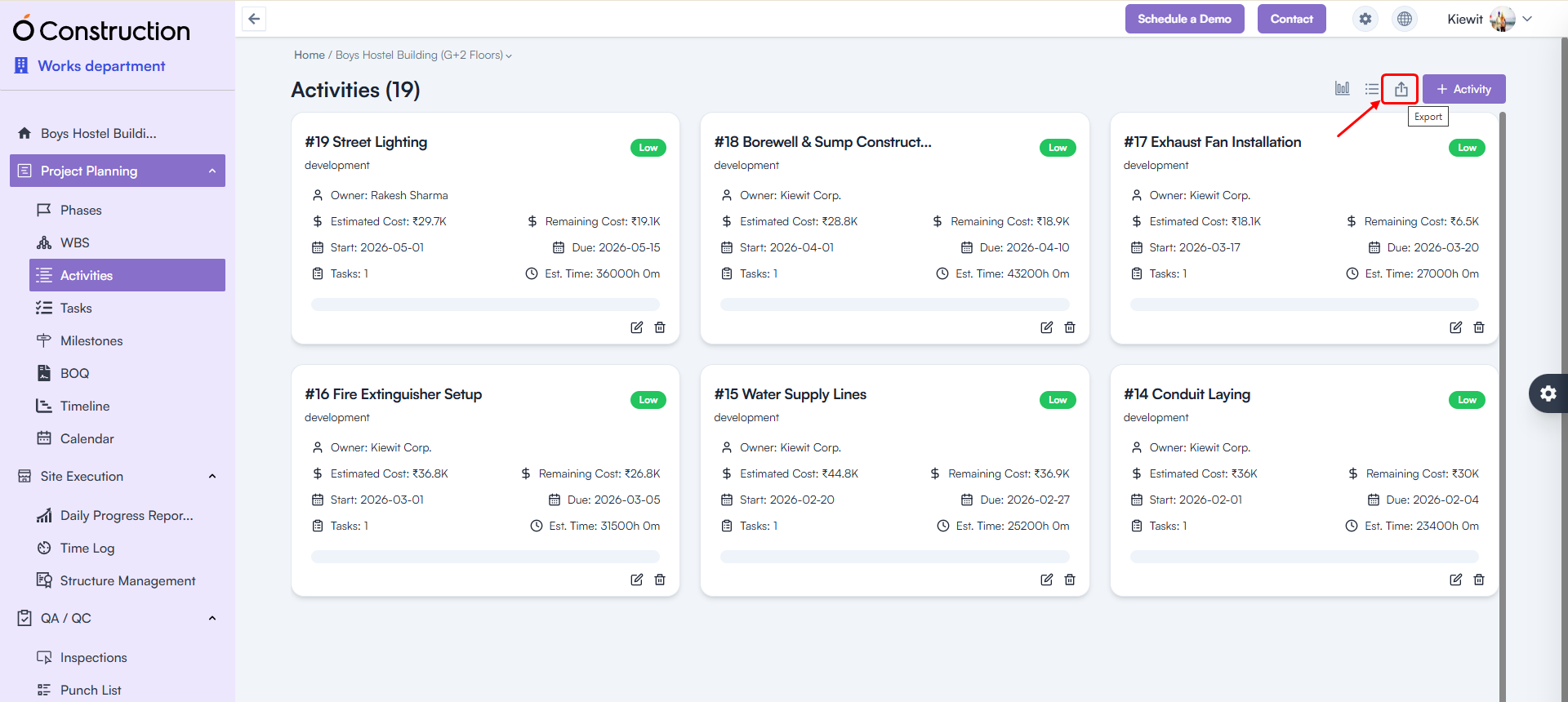
9) Export Issues (500 Error) Fixed (Bug Fix)
Exporting the following modules no longer triggers errors:
- Phases
- Activities
- Tasks
- Milestones
Benefit: Reliable, error-free data export for reporting and compliance needs.
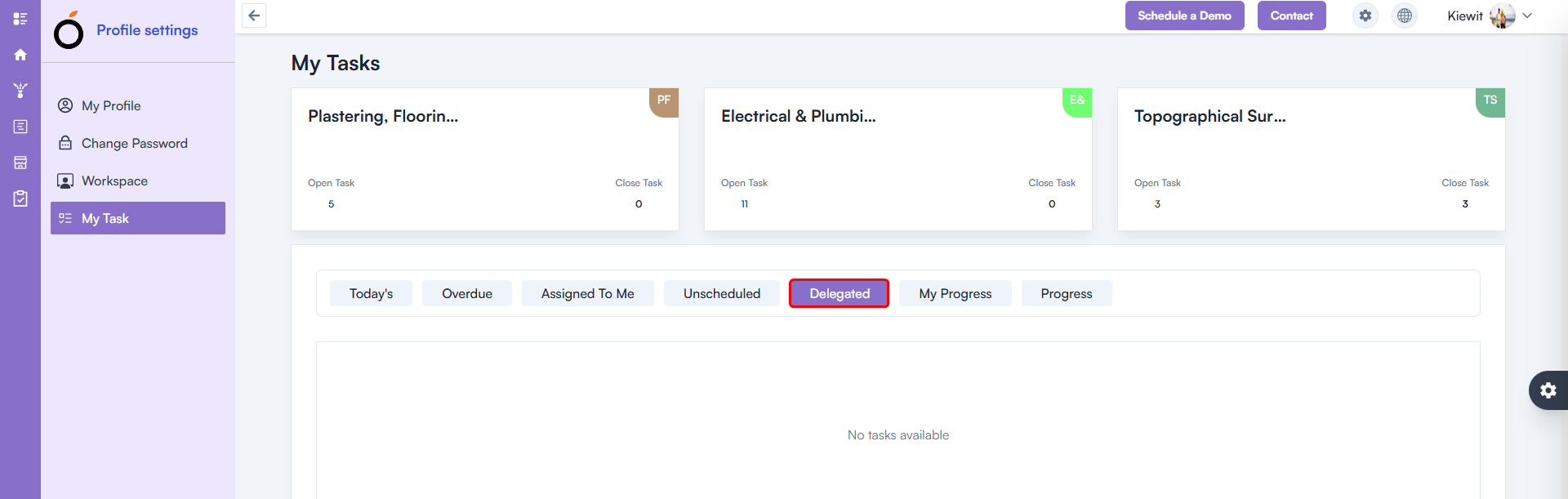
10) Delegated Task – 500 Error Fixed (Bug Fix)
A 500 error occurred in My Tasks → Delegated Task.
Fix: Issue fully resolved.
Benefit: Smooth task tracking and delegation workflows.
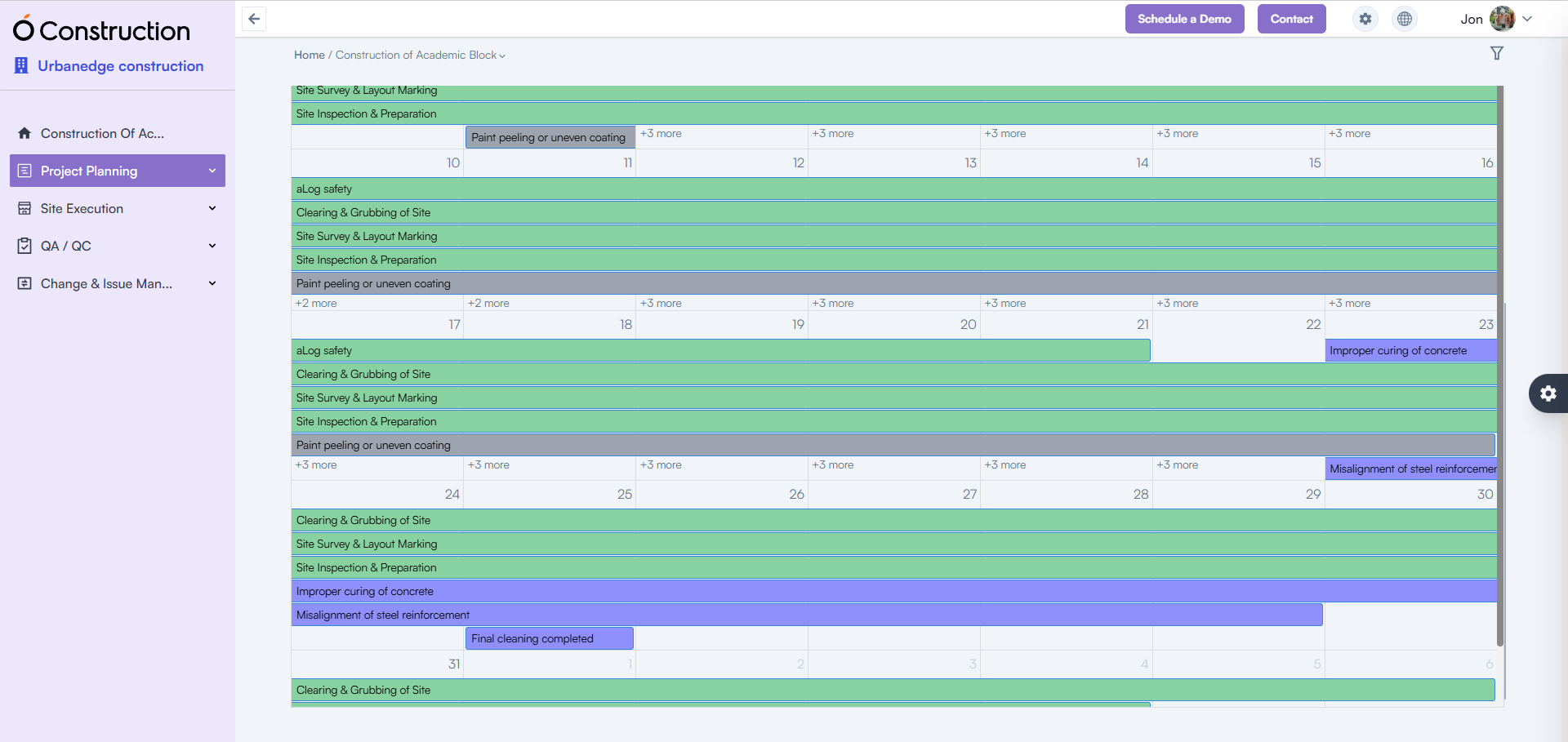
11) Calendar – 500 Error Fixed (Bug Fix)
The Calendar List View previously returned a 500 internal server error.
Fix: Functionality restored and fully stable.
Benefit: Accurate schedule visibility for planning and daily execution.
Conclusion
Every enhancement in these OConstruction Release Notes reflects our mission to improve system stability, on-site productivity, and overall user satisfaction.
From detailed checklists and advanced DPR features to critical BOQ, contractor insights, and navigation fixes — this release ensures faster workflows, stronger compliance tracking, and powerful construction management capabilities.
Stay tuned for more OConstruction Release Notes as we continue to optimize, innovate, and support construction teams worldwide.