

Construction teams rely on stable workflows, accurate data visibility, and smooth user experience to keep projects on schedule. At OConstruction, we continuously refine the platform to eliminate friction and ensure reliable execution across every module.
This December update introduces usability fixes, validation improvements, and better performance across Tasks, WBS, Budget Insights, Workspaces, and Resource Management.
Here’s what’s new in the latest OConstruction Release Notes.
Release Update — 03/12: Performance Fixes & UX Improvements
-
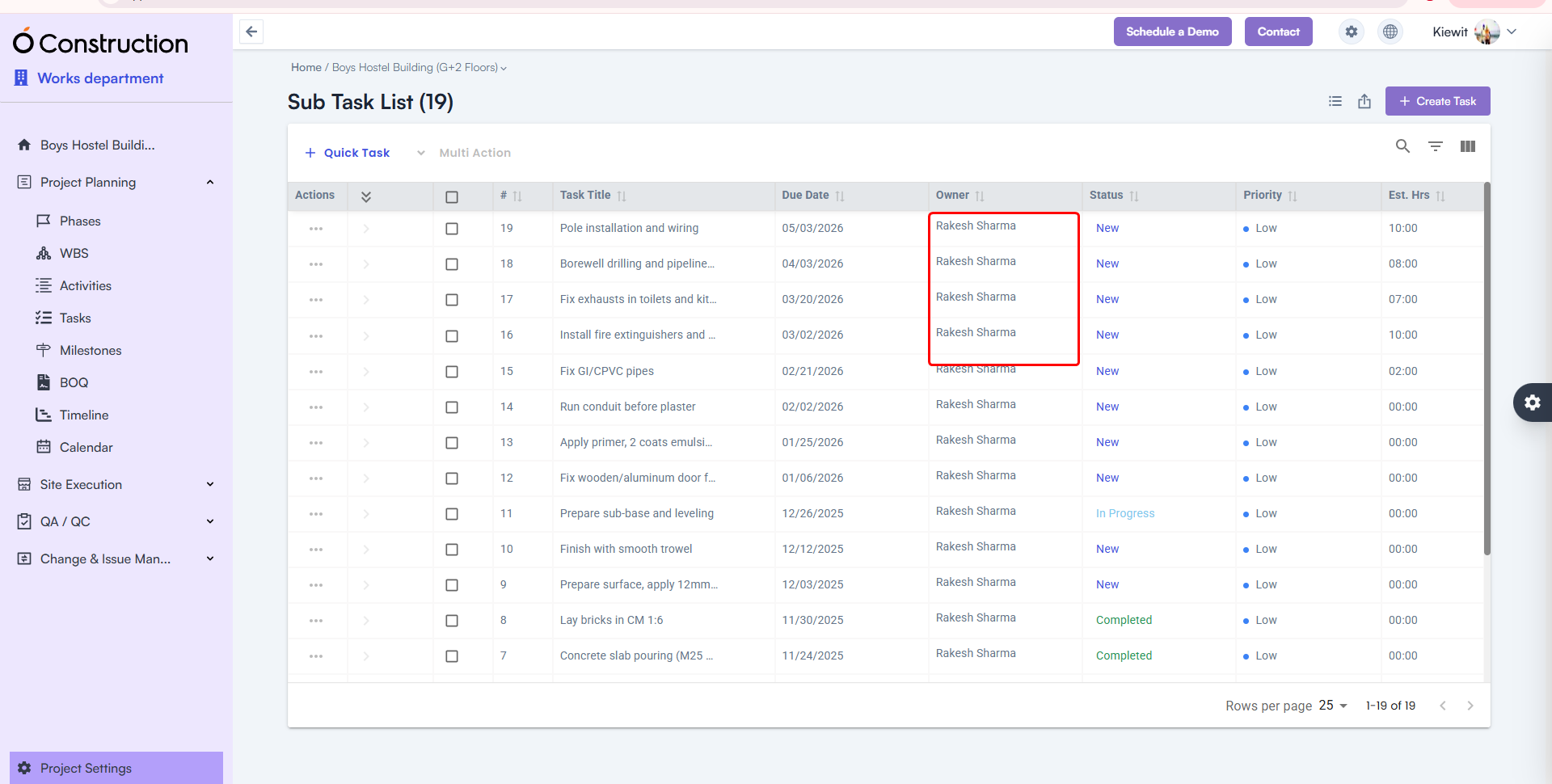
Owner Name Visibility in Subtasks — Fixed
After creating a subtask, the Owner Name field occasionally appeared blank.
- Fix: The correct Owner Name now displays consistently.
- Benefit: Accurate task accountability and tracking.
-
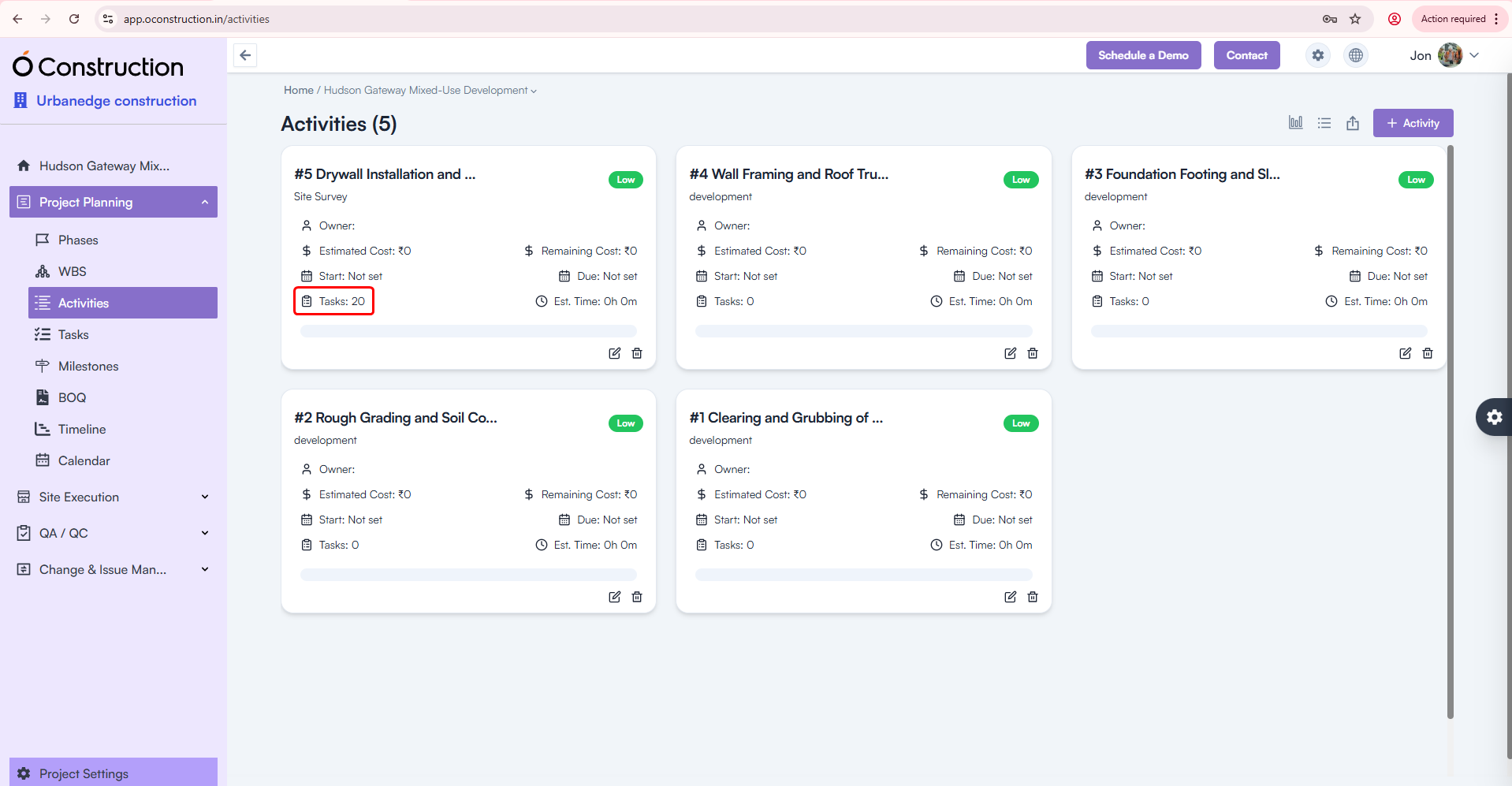
Activity Card Task Count — Corrected
Activity Cards were showing the wrong number of tasks linked to them.
- Fix: Task Count is now fully accurate and automatically updated.
- Benefit: Clearer progress visibility across activities.
-
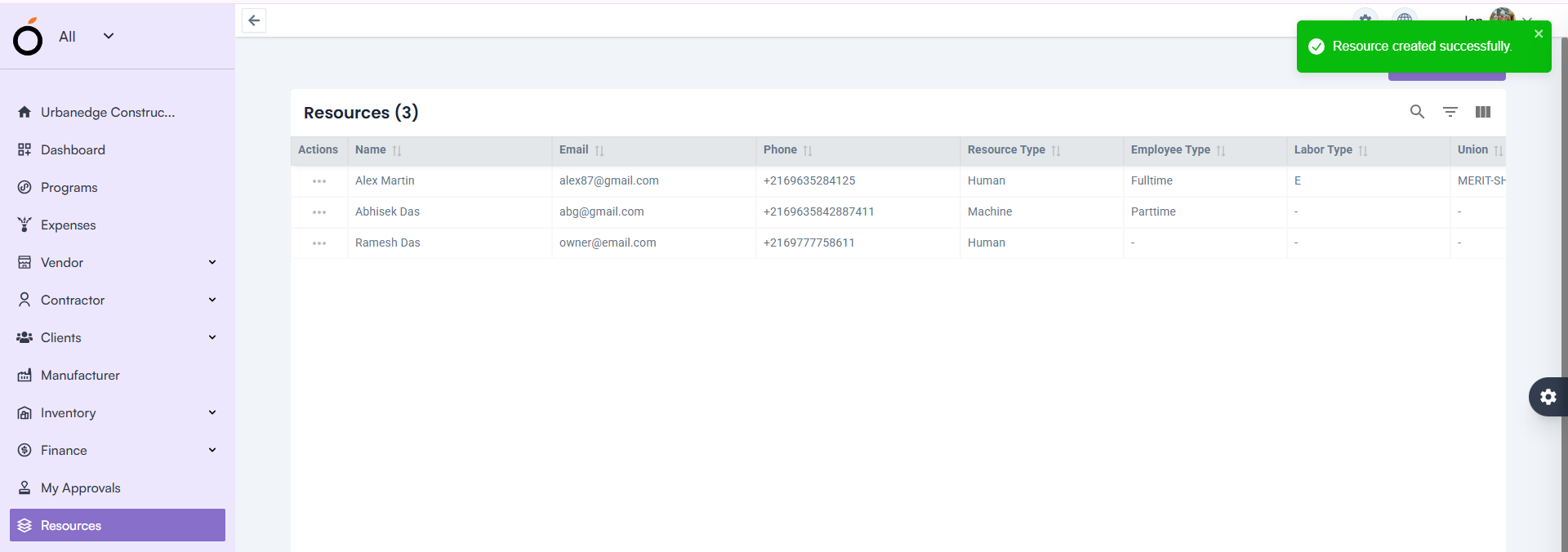
Resource Creation — Proper Validation Alerts
Leaving the Email field blank previously showed a generic toast message:
“Something went wrong”
- Fix: Now users see the correct validation alert.
- Benefit: Clear communication and faster error resolution.
-
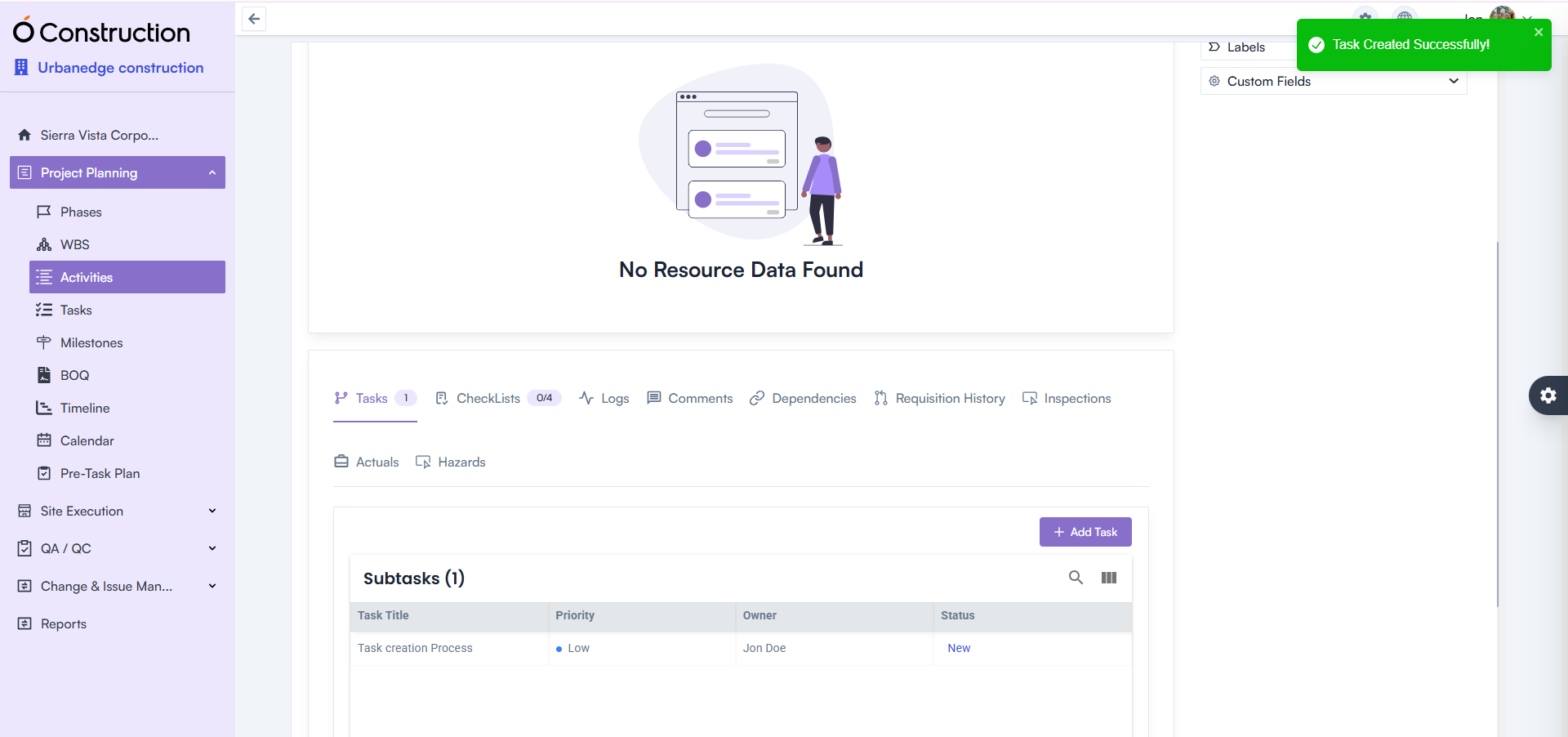
Activity Details — Task Creation Error Fixed
Creating tasks under Activity Details incorrectly prompted a 422 error message.
- Fix: This issue is fully resolved.
- Benefit: Smoother task addition and execution continuity.
-
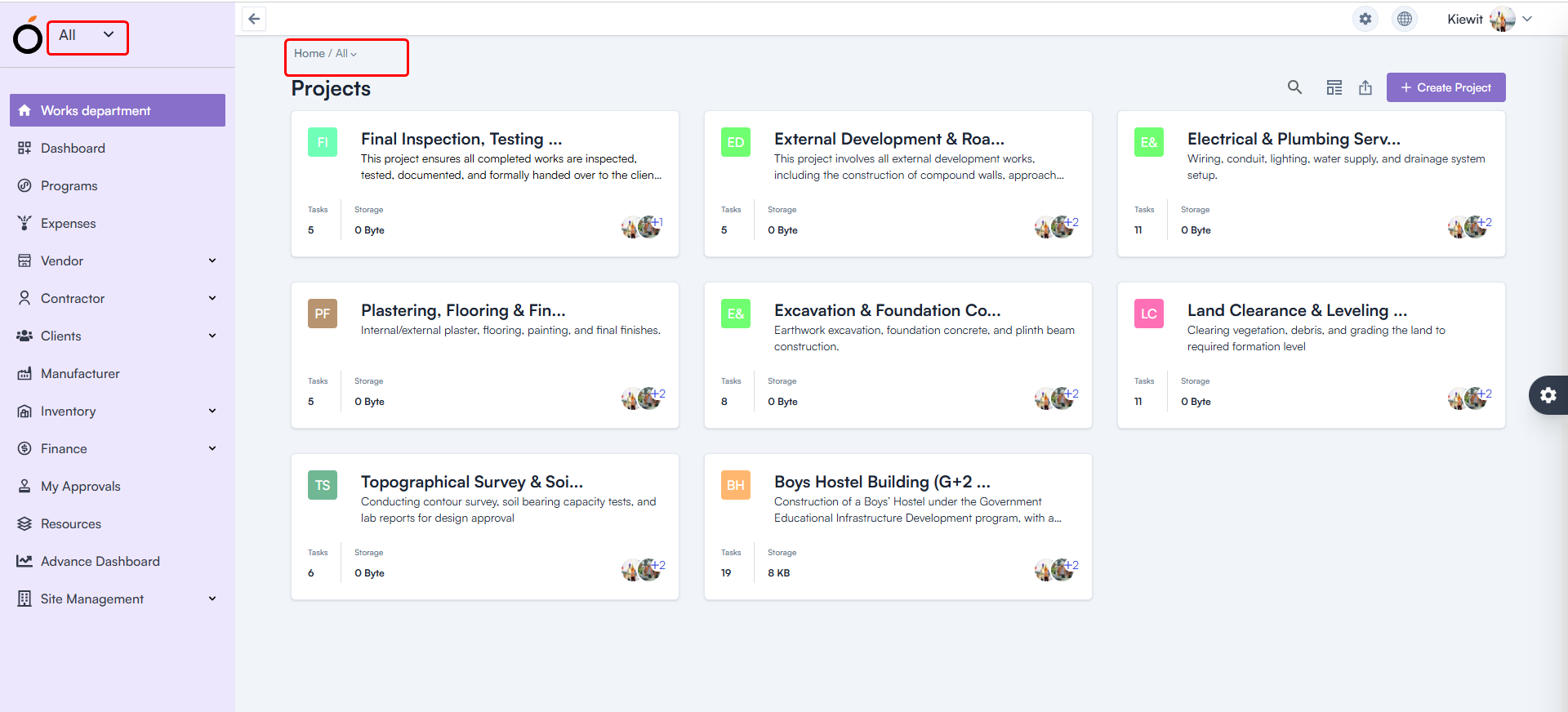
Workspace Selection — Default Workspace Fixed
After login, all users were shown “All” as their workspace.
- Fix: The system now loads the correct workspace based on user permissions.
- Benefit: Faster access to relevant projects and responsibilities.
-
Budget Insight – Improved Hierarchy Expand/Collapse
Expand/collapse behavior in Hierarchy View was not consistent.
- Fix: Performance and responsiveness are now improved.
- Benefit: Faster navigation through complex budget structures.

-
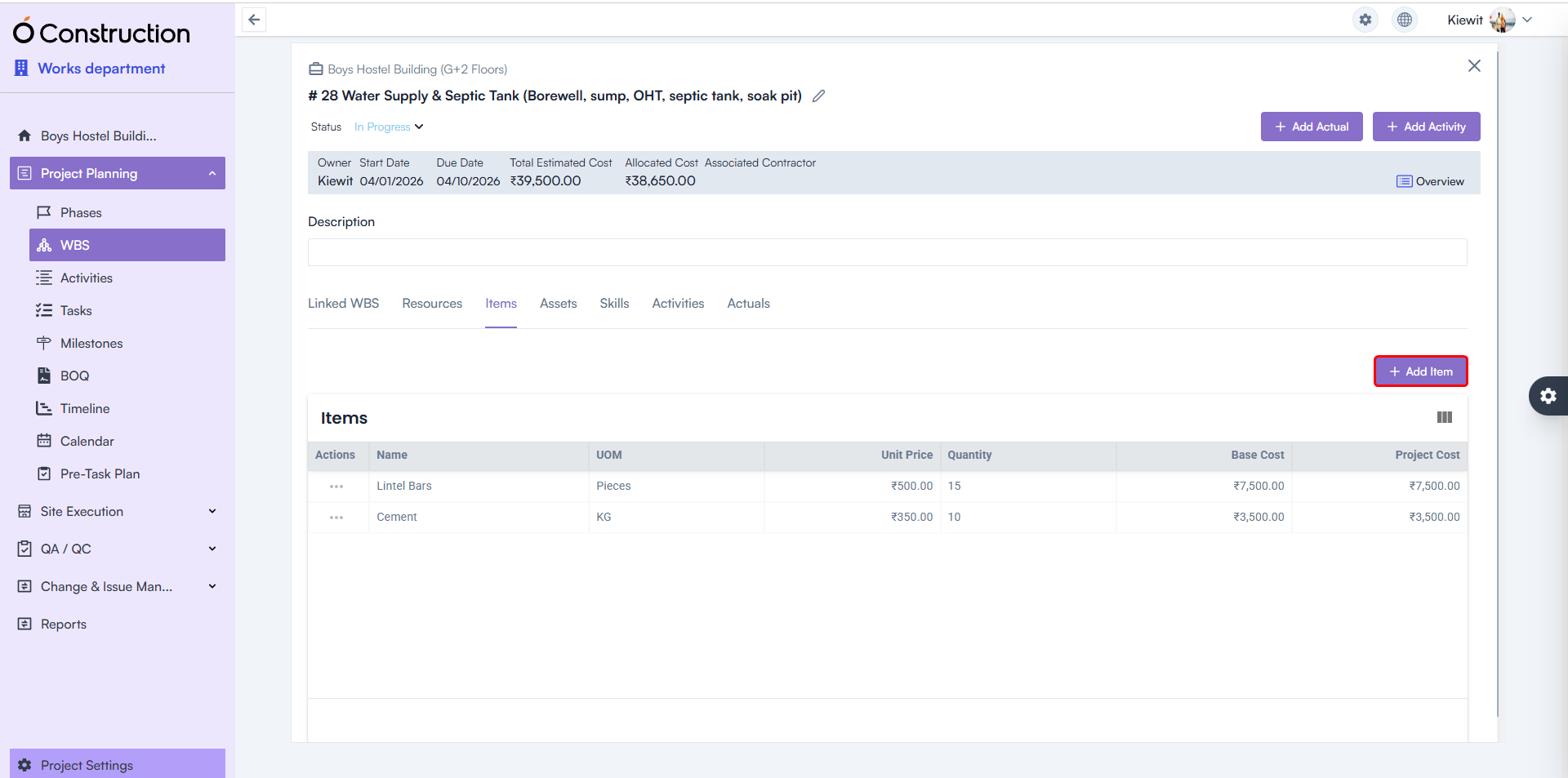
WBS Details Page — Item & Asset Adding Enabled
Users previously faced restrictions adding:
- Items
- Assets
Fix: Both are now fully functional.
Benefit: Better control over project structure and asset planning.
-
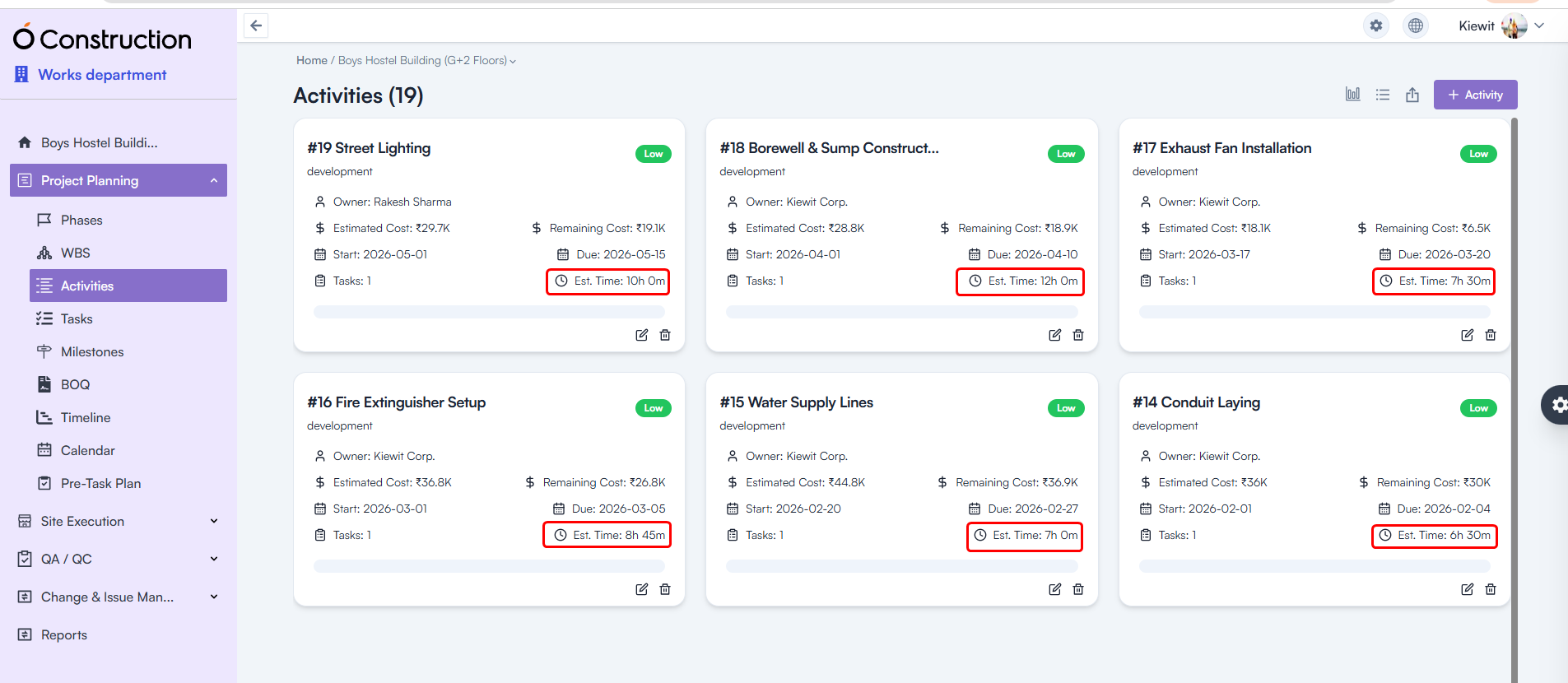
Estimated Hours — Calculation Logic Corrected
Estimated Hours for Tasks and Activities were showing incorrect values.
- Fix: Calculation formulas have been rectified throughout the system.
- Benefit: More accurate workforce and schedule planning.
Final Takeaway
This December edition of OConstruction Release Notes sharpens the user experience with fixes that boost reliability, calculation accuracy, and workflow clarity across the platform.
We’re continuously improving OConstruction to support both field and office teams with smoother project execution, stronger controls, and more confidence in daily operations.